Interactive demo vs product video: which converts better on your homepage

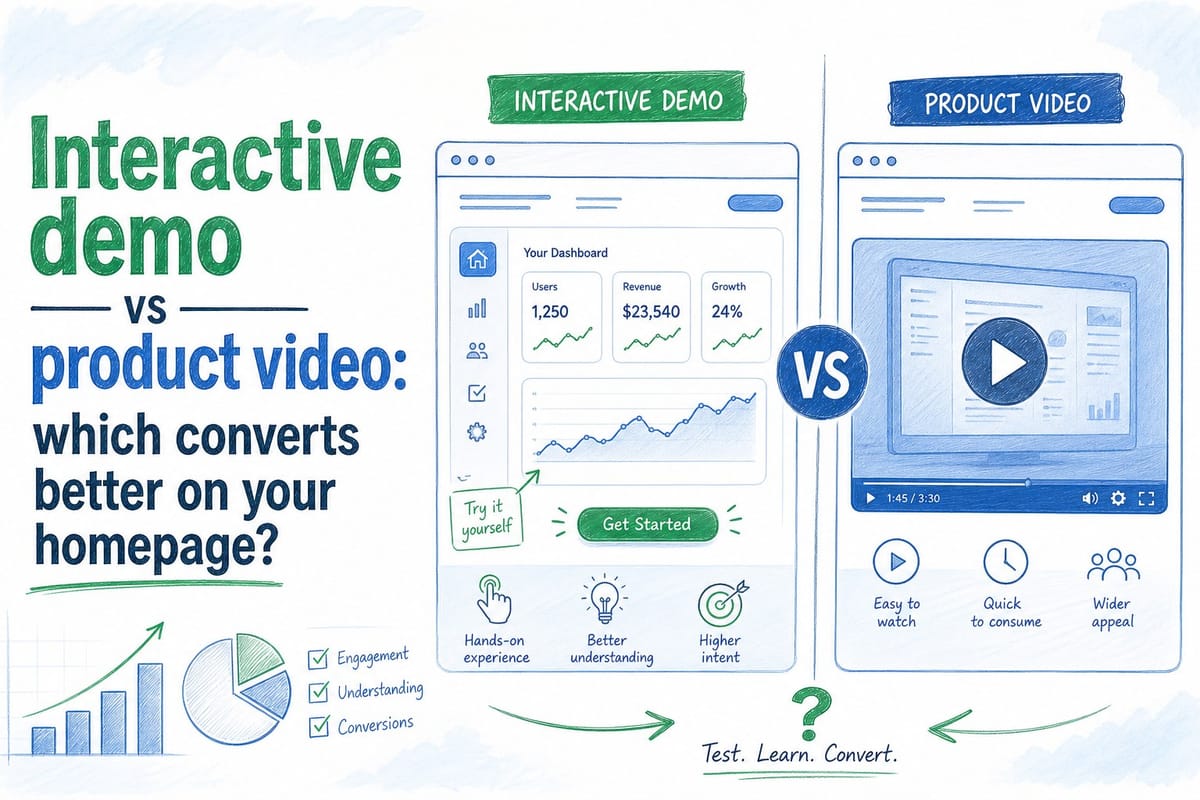
Table of contents
1. What each format is actually doing when a visitor lands on your page
2. The hidden maintenance cost that almost nobody talks about
3. How to actually decide for your homepage, and what the smartest teams are doing now
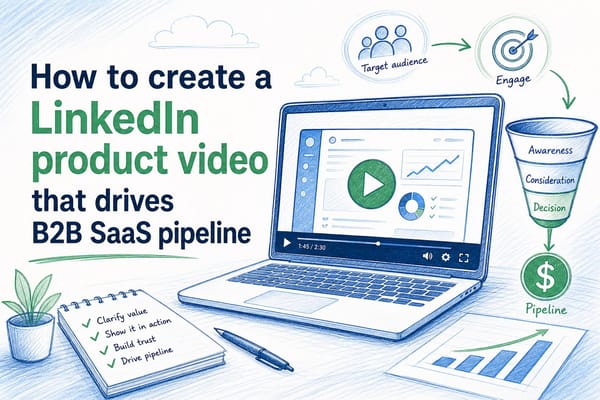
If you run a B2B SaaS product, you have probably wrestled with this question at least once: should the hero section of your homepage show an interactive demo or a product video? Both formats promise to turn curious visitors into pipeline. Both have real advocates. But the honest answer is that they do very different jobs, and picking the wrong one for your homepage can quietly cost you conversions every single week.
This is not a question with a universal answer. The right format depends on how your visitors arrive, how fast your product changes, and how much capacity your team has to keep content current. I want to walk through what each format actually does well, where each one falls short, and how to make a confident decision for your specific stage and team. The interactive demo vs product video debate comes up constantly in product marketing circles, and there is a lot of nuance the quick-take articles tend to skip.
Let me be direct about the stakes. A homepage hero is not a nice-to-have. It is the highest-traffic, highest-intent surface most SaaS teams own. If the format you choose there creates friction, confusion, or a credibility gap with your actual product, you are leaving pipeline on the table every single week it stays up. Getting this right matters.
What each format is actually doing when a visitor lands on your page
Before comparing conversion numbers, it helps to be precise about what each format is built to do. A product video is a narrated, edited recording that shows your product in motion. A visitor presses play, watches someone use the product, hears an explanation of what is happening, and forms an impression in roughly 60 to 120 seconds. The visitor stays passive the whole time. That passivity is not a flaw. It is the point. Video is a storytelling medium. You control the pacing, the narrative arc, the emotional tone, and exactly which parts of the product a visitor sees first. You can make your product feel polished and confident before a visitor has clicked a single button.
An interactive demo is something different. It is a clickable, self-guided walkthrough of your product interface, usually built on a sandbox version of the real UI. A visitor can tap through a feature flow at their own pace, skip sections they already understand, and spend extra time on the part that matters most to them. The experience is active rather than passive. Some interactive demos also capture intent data: which steps did this visitor click through, where did they drop off, which feature flows did they replay.
Those two descriptions already hint at the core tradeoff. Video compresses understanding into a short, controlled window of time. Interactive demos extend the engagement window and hand control to the visitor. Neither is universally better. They are optimized for different moments in a buyer's journey and for different types of products.
Here is where each one tends to perform in practice. Product videos win on reach and top-of-funnel efficiency. You can distribute a video on LinkedIn, embed it in email campaigns, run it as a paid social ad, and drop it into a sales deck, all from a single asset. A 90-second product video that autoplays on your homepage hero loads fast, works on every device, and does not require a visitor to do anything except watch. For early-stage awareness, that low friction matters a lot. A visitor who arrived from a cold LinkedIn ad does not know your product category yet. They need someone to show them what is happening on screen and why it matters before they can decide whether to keep reading.
Interactive demos tend to win on engagement depth among visitors who already carry some intent. When someone arrives at your homepage already knowing roughly what your product category is, because they came from a G2 comparison page or a peer referral, they are more likely to want to poke around than to sit through a narrated overview. An interactive demo lets them skip directly to the feature that matches their specific job-to-be-done. A head of operations evaluating your platform can click straight to the reporting module. A sales manager can go straight to pipeline views. That self-selection is valuable. It also signals buying intent in a way a video play count never can. If a visitor clicks through your onboarding flow twice in a row, that tells your sales team something meaningful. A video view does not.
So why does this debate keep coming up? Because most SaaS homepages are trying to serve both kinds of visitors at the same time. Some visitors arrive cold from a paid ad. Some arrive warm from a peer referral or a category review site. A homepage hero has to do something useful for both groups, and neither format handles both equally well on its own.
There is also a product complexity dimension worth naming here. If your product solves a problem that is immediately legible, something like email deliverability or invoice management, a video can communicate the value proposition quickly and cleanly. A visitor understands what they are looking at within the first few seconds, and the video can spend the rest of its runtime making the case for why your version is the right one.
If your product solves a problem that only becomes clear when someone uses it, something like a complex data pipeline tool or a workflow automation platform with deep configurability, a video might explain the category but struggle to communicate the specific value. An interactive demo can do work there that a passive recording cannot. The visitor needs to feel the product, not just watch it.
One more distinction that gets underweighted in most comparisons: who built your hero content, and for whom? A product video reflects the narrative your team chose to tell. The features you highlight, the persona you speak to, the use case you lead with, all of those are editorial decisions your marketing team made in advance. An interactive demo, by contrast, lets the visitor write their own narrative. They click what interests them. They ignore what does not. That is a feature when your visitors are sophisticated and self-directed. It is a liability when your visitors are unfamiliar with the category and need guidance on what to look at first.
The homepage hero job is almost always the latter. You are setting the first impression for visitors who may have zero prior context about your product. Giving them a blank canvas to explore before they understand what they are exploring is a risky default. That is why video tends to be the stronger choice for the hero position specifically, even if interactive demos earn their place elsewhere on the page.
The hidden maintenance cost that almost nobody talks about
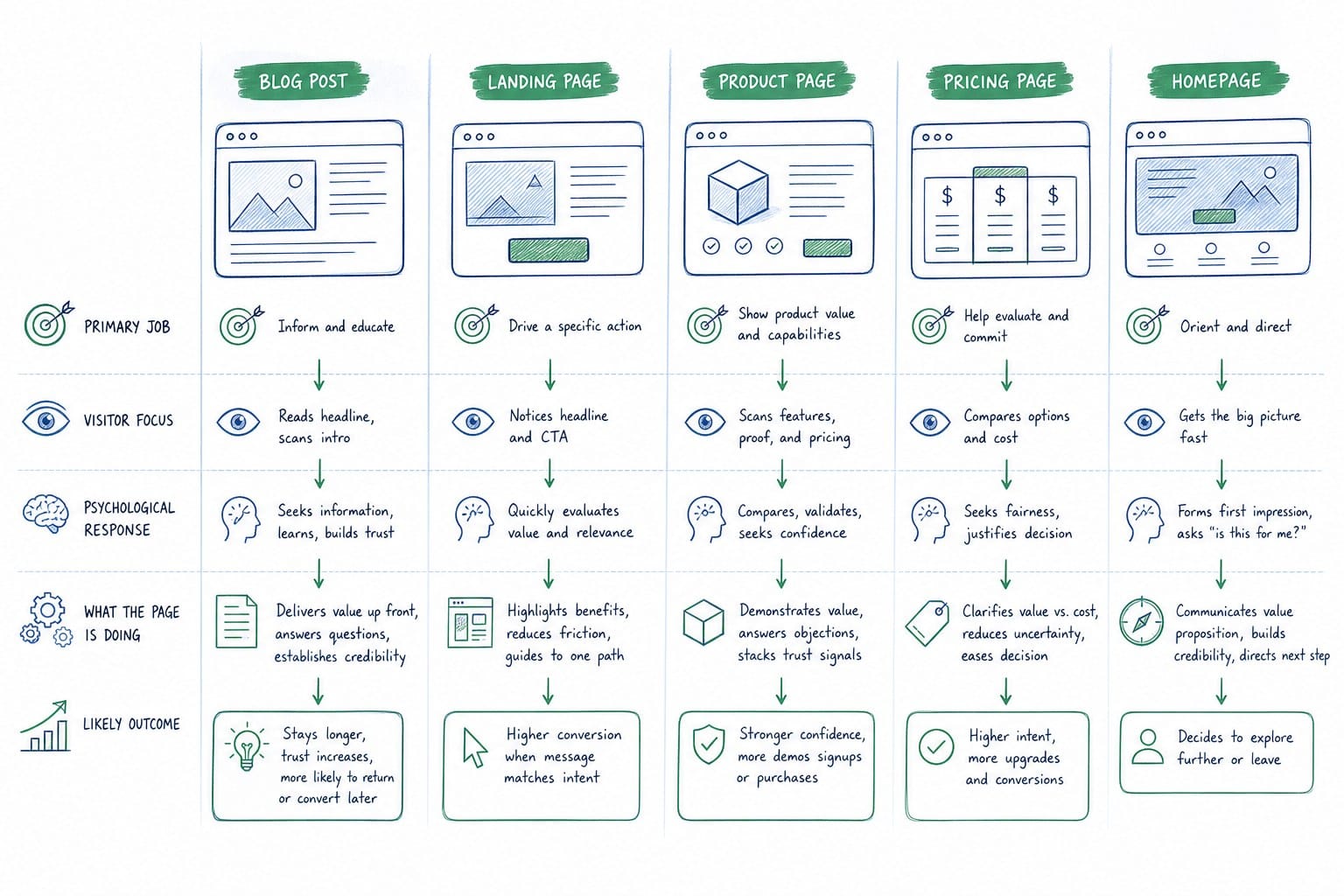
Here is the part of the interactive demo vs product video conversation that most comparison articles gloss over entirely: both formats break every time your product changes, and your product changes constantly.
For pre-Series B SaaS teams specifically, the release cadence is fast. New navigation, updated UI components, renamed features, restructured onboarding flows. If your homepage hero shows a version of the product that no longer exists, you have a credibility problem. A prospect who watches your video, then books a call, then sees a completely different interface in the live demo will quietly wonder what else is out of date. That doubt is hard to recover from at a stage where every deal matters and your sales team does not have years of relationship capital to fall back on.
Interactive demos carry a particularly sharp version of this problem. An interactive demo is typically built on screenshots or a mirrored snapshot of the product UI. When your engineering team ships a new sidebar design or reorganizes your settings page, the interactive demo is instantly wrong. Updating it usually means going back into your demo-building tool, replacing screenshots, rebuilding the click paths, re-writing the tooltip copy, and re-publishing. Depending on how much changed, that can take a full day of work from a PMM or a demand-gen resource who almost certainly has other things on their plate. Some teams have quietly stopped updating their interactive demo after the second or third sprint because the maintenance burden outpaced the perceived value. A stale interactive demo is arguably worse than no interactive demo, because it actively shows visitors the wrong product and creates confusion when they eventually see the real thing.
Product videos have the same staleness problem, just expressed differently. A recorded screen capture walkthrough that shows an old navigation bar or a deprecated feature flow sends the same wrong signal. The traditional fix was to budget for a re-recording session every few months, which meant scheduling time with a narrator, rebuilding the screen recording, re-editing the cut, and re-uploading everywhere the video lived. For small teams without a dedicated video producer, that friction meant the video stayed wrong for longer than anyone was comfortable admitting. Three sprints of accumulated UI drift is not unusual on a two-week release cadence.
This is worth reading in more detail if you have felt this pain: why your SaaS homepage hero video goes stale after every sprint is a breakdown of how quickly product UI drift becomes a real conversion problem and why the traditional re-recording cycle does not scale for teams shipping on a two-week cadence. The core argument is straightforward: the longer your refresh cycle, the wider the gap between what your homepage promises and what your product delivers, and the wider that gap, the more friction you introduce at exactly the moment you are trying to build trust.
The maintenance cost is also asymmetric between formats in one important way. An interactive demo that breaks mid-click-path, because a screen has changed or a button no longer exists in the place the demo expects it, creates a broken user experience. A visitor clicks where the demo tells them to click and nothing happens, or worse, something unexpected happens. That is not just inaccurate. It is actively frustrating and reflects poorly on the product itself. A video that shows old UI is also inaccurate, but it does not create a broken experience in the same way. The visitor watches, forms an impression, and moves on. The inaccuracy surfaces later, during a sales call or a trial, rather than mid-interaction on the homepage.
That asymmetry gives product videos a practical edge at high-release-cadence companies, provided you have a process for refreshing the video quickly after significant UI changes. The question is whether that process exists. For most small SaaS teams, it historically has not.
For teams managing both formats across multiple surfaces, a homepage hero, a sales enablement deck, a product hunt launch page, an onboarding email sequence, the compounding maintenance cost is significant. Every surface that shows your product UI is another place where stale content can quietly damage trust. Keeping demo videos updated across sprints in B2B SaaS goes deeper on how PMM teams are handling this operationally, and the approaches that actually work at small team sizes without a dedicated video editor on staff.
One more dimension worth naming: format portability. A product video can be exported in 16:9 for a homepage hero, 9:16 for LinkedIn or short-form social, and 1:1 for a feed post, all from the same source edit. An interactive demo does not have a social-distribution format. It is fundamentally a website experience. You cannot run it as a LinkedIn sponsored post or drop it into a prospecting email. If your growth team is running paid social campaigns and needs the product story to live in multiple formats and placements simultaneously, a video asset is simply more versatile. That versatility matters when you are trying to keep your cost per impression low across channels and when you want consistent product storytelling from the first ad impression through to the homepage.
There is also a loading speed consideration that often gets overlooked. A well-compressed video file loads quickly and plays immediately on most connections. An interactive demo, especially one built on a third-party platform with its own JavaScript overhead, can add meaningful load time on slower connections or mobile devices. Homepage load speed has a direct and measurable relationship with bounce rate, and bounce rate has a direct relationship with your conversion numbers. If your interactive demo is adding two or three seconds to your hero section load time, that is a cost you need to weigh against the engagement benefit it provides for the visitors who do stay and interact with it.
How to actually decide for your homepage, and what the smartest teams are doing now
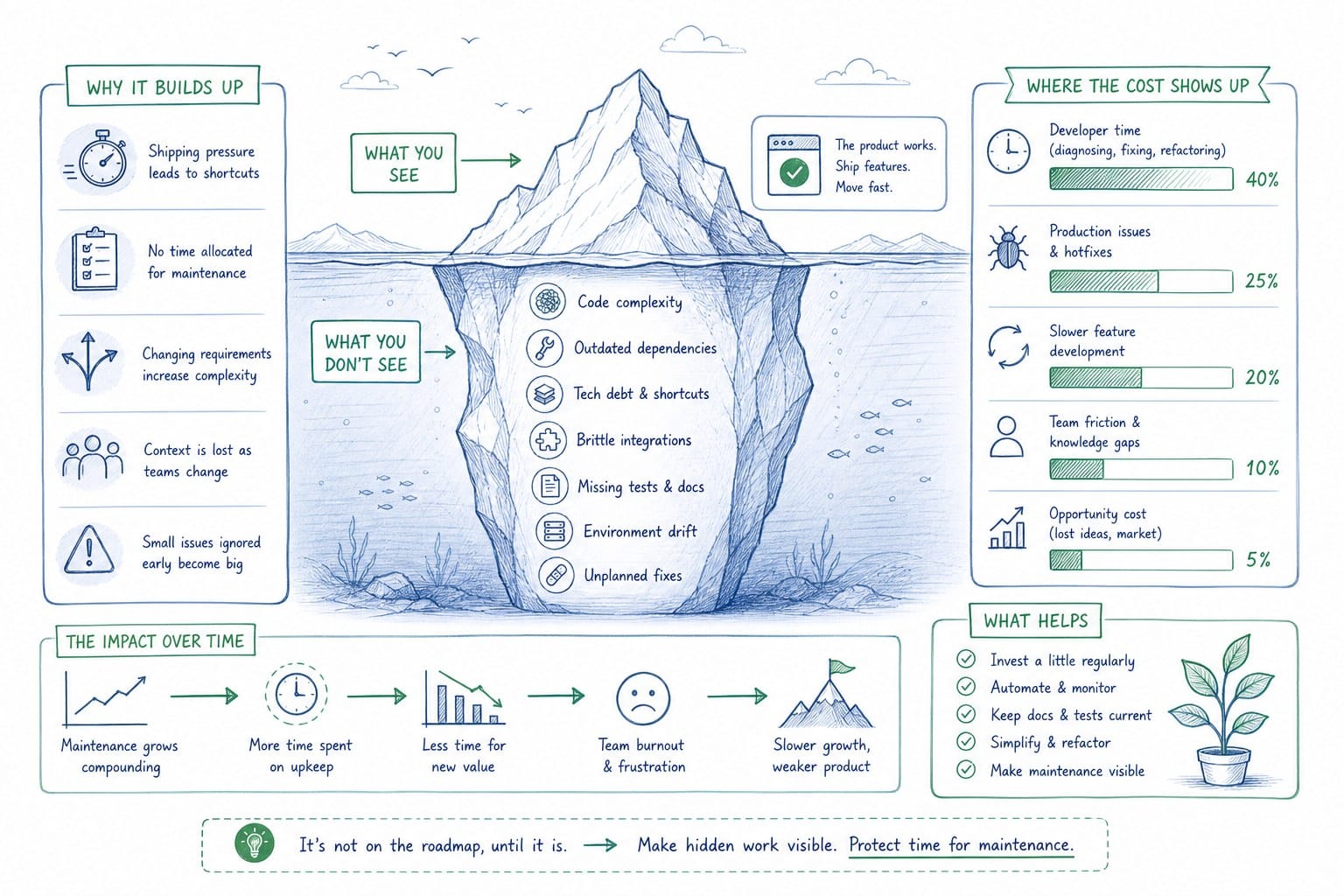
Given everything above, how do you make a real decision rather than just picking based on what a competitor is doing or what felt intuitive in a last-minute homepage redesign? I think the right framework starts with two honest questions about your visitor and your team.
First: how much context does your visitor already have when they arrive? If your primary acquisition channels are SEO, category-search ads, or review sites like G2 or Capterra, your visitors are arriving with some product category knowledge already. They know roughly what your product does. They are evaluating you against specific alternatives. An interactive demo can be a powerful differentiator in that context because it lets them compare your actual UX and workflow against what they saw on your competitor's homepage. The sophistication of the experience matches the sophistication of the visitor.
If your acquisition is primarily social, display, or cold outbound, your visitors arrive with less context. They saw a LinkedIn ad that caught their attention and clicked through. They need to understand what the product does before they can evaluate it at all. A product video handles that job more efficiently than a self-guided clickthrough. You cannot ask a visitor to explore a product they do not understand yet. You need to show them what it does and why it matters first.
Second: how fast does your product change? If your engineering team ships meaningful UI changes every two to four weeks, you need a content format you can refresh just as quickly. A traditional screen-recorded video you spend two days producing will be inaccurate within a month. An interactive demo built on screenshots is in exactly the same boat. If staying current is a real constraint, and for most pre-Series B SaaS teams it absolutely is, you need to factor refresh speed into your format decision, not just initial conversion rate or what looked good in an A/B test three months ago.
Here is where the practical answer lands for most B2B SaaS teams right now: a product video is the stronger default choice for a homepage hero, but only if you can keep it current. The combination of low friction to consume, multi-surface distribution, and controlled narrative arc gives video a real structural advantage for the top-of-funnel job a homepage hero needs to do. An interactive demo is a powerful secondary experience, embedded below the fold or behind a clearly labeled call-to-action like "explore the product yourself," where visitors who want to go deeper can self-select into a more engaged walkthrough. That architecture lets you serve both types of visitors without forcing the wrong format on either.
The missing piece in that equation, historically, was the ability to refresh a product video quickly enough to keep pace with a real release cadence. That is the problem that AI product video generation is built to solve. Platforms that can take a product URL or existing product footage and turn it into an editable, narrated video composition change the economics of the product video format entirely. If you can regenerate a finished, on-brand product video after each sprint without a manual re-editing session, the maintenance cost that historically pushed teams toward skipping video altogether disappears. You get the conversion and distribution advantages of video without the drift problem.
For PMMs and founders who have been defaulting to interactive demos partly because videos felt too expensive to produce or too slow to refresh, that is a real change worth reconsidering. The format that converts best is almost always the format your visitors can consume without friction, and a well-produced, accurately current product video is hard to beat at the top of a homepage.
Let me also be direct about where an interactive demo still wins outright. If your product is inherently complex and the core value proposition only becomes clear when someone actually uses it, an interactive demo can do work that a video cannot. Products with deep configurability, products where the specific workflow a buyer would follow matters more than the general concept, and products where the UX itself is the primary differentiator over competitors are all cases where an interactive demo earns a prominent place on your homepage. In those situations, I would still argue the hero should be a video for the reasons above, but a prominently positioned interactive demo, clearly labeled and easy to find, should be available for visitors who want to go deeper before they are willing to talk to sales.
A few practical notes for teams making this decision right now.
If you decide to lead with a product video, keep it under 90 seconds for a homepage hero. Visitors who want a deeper walkthrough will find your demo request form or your interactive demo below the fold. A video that runs three minutes on a homepage is almost never watched to completion, which means the value you put at the end of the video is invisible to most of your visitors.
If you decide to lead with an interactive demo, make sure it is current as of your last release, not your last major version or last quarter's redesign. An interactive demo showing deprecated UI is doing active damage to your credibility. If you cannot commit to updating it after every significant sprint, a video is the safer choice even if it feels less impressive.
If you want to run both formats, use the video as the hero and position the interactive demo as a secondary call-to-action below the fold with a label that makes the value proposition clear. Something like "see how it works for yourself" or "walk through a live product flow" signals what the experience is and attracts the visitors who are already far enough along in their evaluation to want hands-on exploration rather than a narrated overview.
If you are a founder doing everything yourself and you have no dedicated PMM or video producer, start with a product video and build a refresh habit before you publish the first version. Decide in advance that you will update the video after every sprint that touches the UI your video shows. If that refresh cycle is not sustainable with your current tools and process, that is a signal to evaluate whether the tools you are using are the right ones, not a reason to skip the video format entirely.
And regardless of which format you choose for your hero, build a regular audit into your content calendar. Set a reminder every two weeks to pull up your own homepage and compare what the hero shows against what the product actually looks like today. That comparison will tell you everything you need to know about whether your top-of-funnel conversion surface is working for you or quietly working against you.
The format that converts best is always the one that accurately represents your product as it exists today, is easy for your target visitor to consume given what they already know when they arrive, and can be kept current without requiring more resources than your team actually has available. That is the decision framework. The interactive demo vs product video question is just the starting point.
Ready to take the next step?
Product Frames is built for exactly this problem. If you are a founder, PMM, or GTM lead at a pre-Series B SaaS company and you need a product video that reflects your actual current UI, not a version from three sprints ago, Product Frames can turn your product URL or existing footage into an editable, narrated video composition you can regenerate after every release. Visit productframes.com to see how it works.